
Oct 2: Mumbai University Declares 3 PG Results - M.Com, M.A Economics, Political Science Sem 4
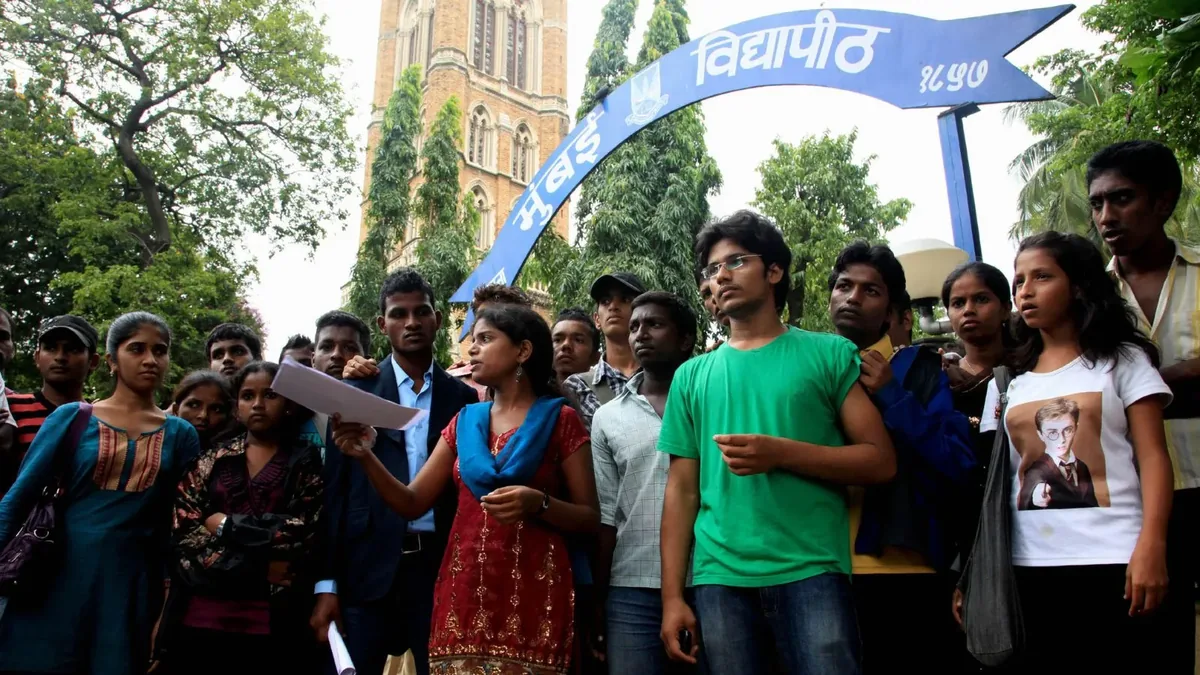
Students of Mumbai University’s distance learning programmes have good news. The University of Mumbai has released the Semester IV results for three postgraduate programmes under NEP 2020 - M.Com (Business Management), M.A Economics, and M.A Political Science. The result date shown on the official portal is 2 October 2026, and the results are live on the university’s dedicated results website.
If you appeared for any of these exams, you can check your score right now. Here is everything you need to know: which results are out, how to check them, and what to do if something looks wrong on your marksheet.
Mumbai University PG result declared: which courses are out
The university’s Online Results page lists three NEP 2020 programmes with the result date 02/10/2026:
- Master of Commerce (Business Management), Semester IV (NEP 2020) - programme code 2120161, released under the Centre for Distance and Online Education (CDOE)
- Master of Arts (Economics), Semester IV (NEP 2020) - programme code ODL31813, released under open and distance learning
- Master of Arts (Political Science), Semester IV (NEP 2020) - programme code ODL31809, released under open and distance learning
The ODL codes show these M.A programmes belong to the university’s open and distance learning stream. The M.Com programme carries the CDOE tag, which is Mumbai University’s Centre for Distance and Online Education. Both are official modes of study at the university, so your degree holds the same value as far as employers and other universities are concerned.
How to check your Mumbai University result on mumresults.in
The university publishes every result on its official portal. Follow these steps:
- Go to mumresults.in, the official University of Mumbai results website.
- Look at the Online Results list and find your programme name. Match the programme code (2120161, ODL31813 or ODL31809) with your hall ticket.
- Click the result link next to your programme. It opens the result PDF or a login page.
- Enter the details the page asks for, usually your seat number or roll number.
- Your result appears on screen. Download it and take a printout.
Check your name, seat number, subject codes and marks line by line. A small error at this stage can turn into a big problem later, so do not skip this part.
“The online result is only a provisional copy. Collect the original marksheet from your college or study centre when the university issues it, and keep the printout safe till then.”
What to do if there is an error in your result
Errors in online results are rare, but they happen. A wrong total, a missing subject, or a spelling mistake in your name should be reported fast. Start with your college or study centre office, because they know the correction process for your programme. The university’s main website, mu.ac.in, carries the contact details of the examination office.
Students who feel their marks do not reflect their performance can ask for revaluation once the university opens the window. Do not trust WhatsApp forwards or random websites about revaluation dates. The only dates that count are the ones the university itself announces on mu.ac.in or mumresults.in. Until then, download the online result, note your seat number, and keep your hall ticket handy - you will need both for any revaluation or verification request.
For a general walkthrough of the process, our guide on how to check university results online covers what to keep ready before you open any result portal.
Why distance learning results matter for your next step
These are final-semester results for many students. The M.Com (Business Management) and M.A students who clear Semester IV can now apply for higher studies, prepare for NET or SET exams, or start job applications. A provisional marksheet printout is usually enough for most applications, but keep an eye on when the original marksheet is issued so your records stay complete.
Mumbai University releases results in batches, so if your programme is not on this list, do not worry. The portal updates through the week. Students tracking other Mumbai University results and recently declared scorecards like the MAT September 2026 result can follow the same steps above - open the official portal, match your programme code, and download your copy.
Frequently Asked Questions
When were the Mumbai University M.Com and M.A Semester 4 results declared?
Mumbai University declared the Semester IV results for M.Com (Business Management), M.A Economics and M.A Political Science under NEP 2020 on 2 October 2026. They are available on the official results portal, mumresults.in.
Which Mumbai University results were released on 2 October 2026?
Three programmes under NEP 2020: Master of Commerce (Business Management) Semester IV through the Centre for Distance and Online Education, and M.A Economics and M.A Political Science Semester IV through open and distance learning. The result date shown on the official portal is 02/10/2026.
Where can I check my Mumbai University PG result?
On the official University of Mumbai results website, mumresults.in. Find your programme name in the Online Results list, open the link for your course code, and enter the details the page asks for. Keep a printout of the result with you until the original marksheet arrives.
Is the online Mumbai University result final?
No. The online result is provisional and meant for quick information. The university and your college issue the official marksheet later. If you spot an error, report it to your college or the university examination office right away.